WINopt v1.4 — Acceptance Receipt

From Mario, for Serena

Run date: 2026-05-13

Quick Verdict

All 22 items from your feedback are in. All 11 audit findings closed. 266 automated tests passing. Production deployed at winopt.mario.garden.

22 / 22 feedback items
11 / 11 audit findings
266 automated tests
Version 1.4.0, schema 9

Section 1: The Six Broken Things — Fixed

These are the six workflows that were blocking real use. Each one now has a direct proof screenshot plus saved test evidence beside it.

Payments

Missing payment fields

What was broken: there was no clear way to enter initial or follow-up payments.

What is fixed now: payments can be recorded from the patient history, deposits and balance payments save correctly, and the remaining balance never drops below zero.
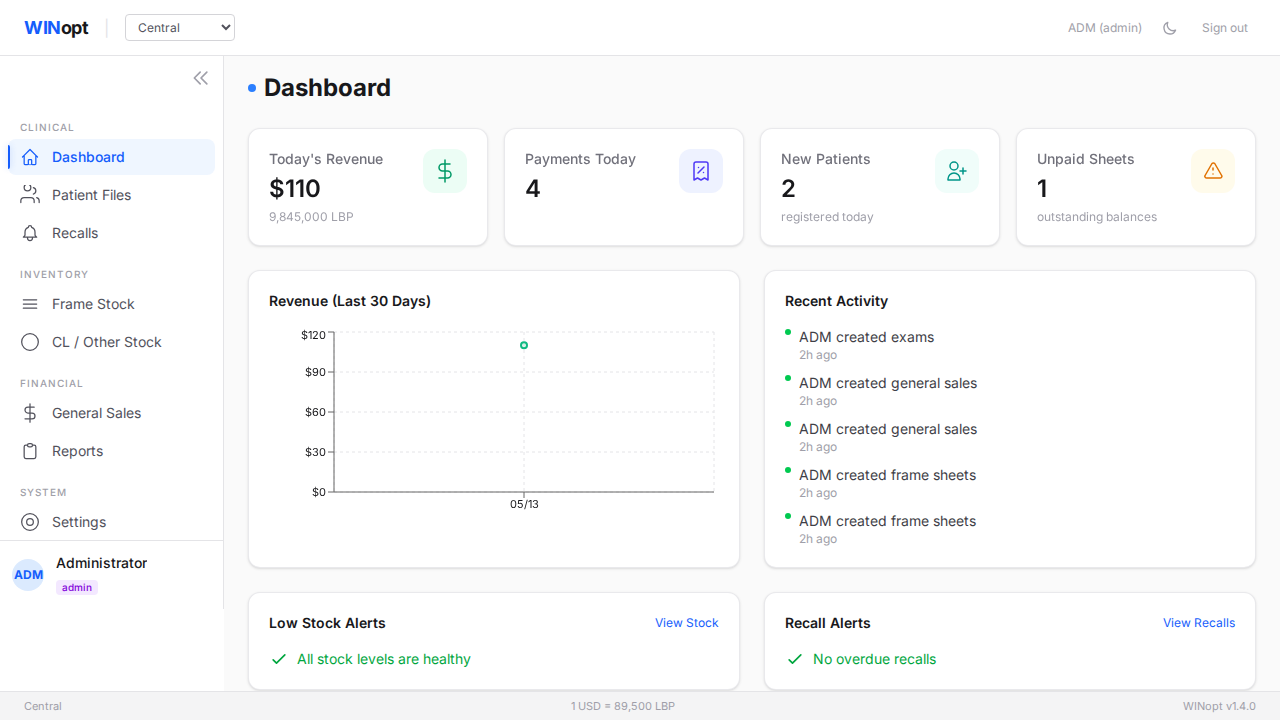
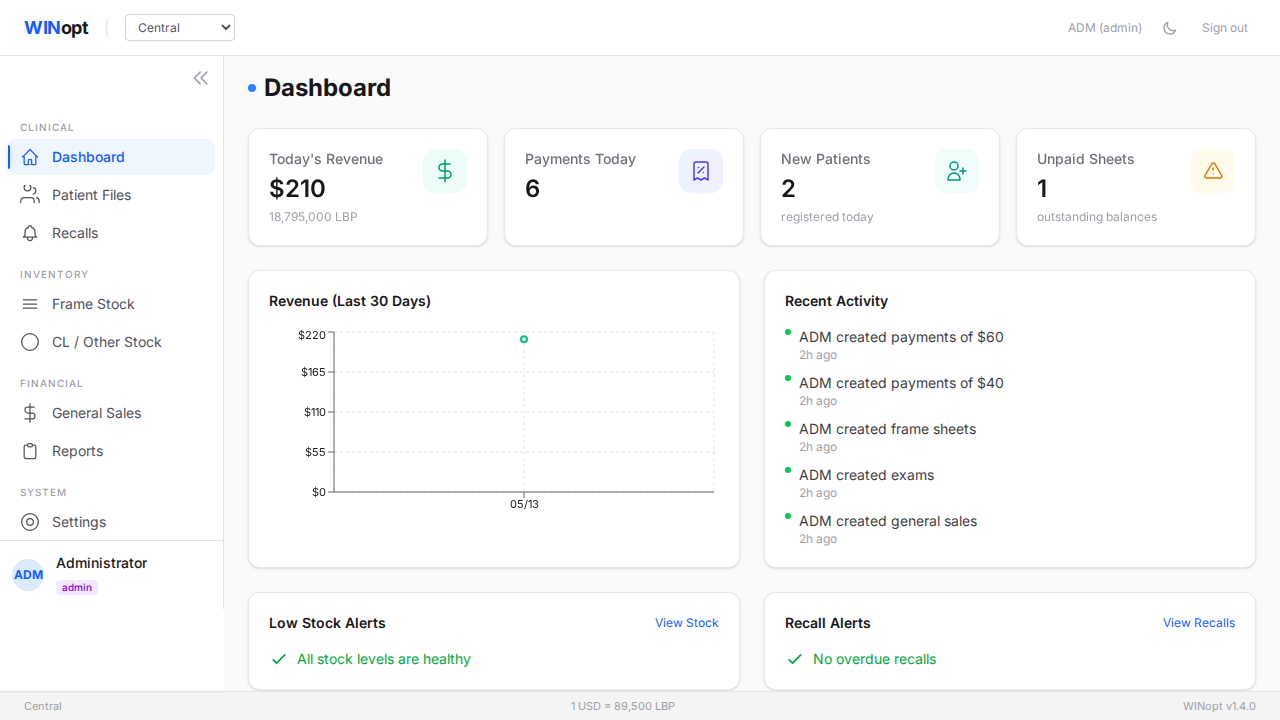
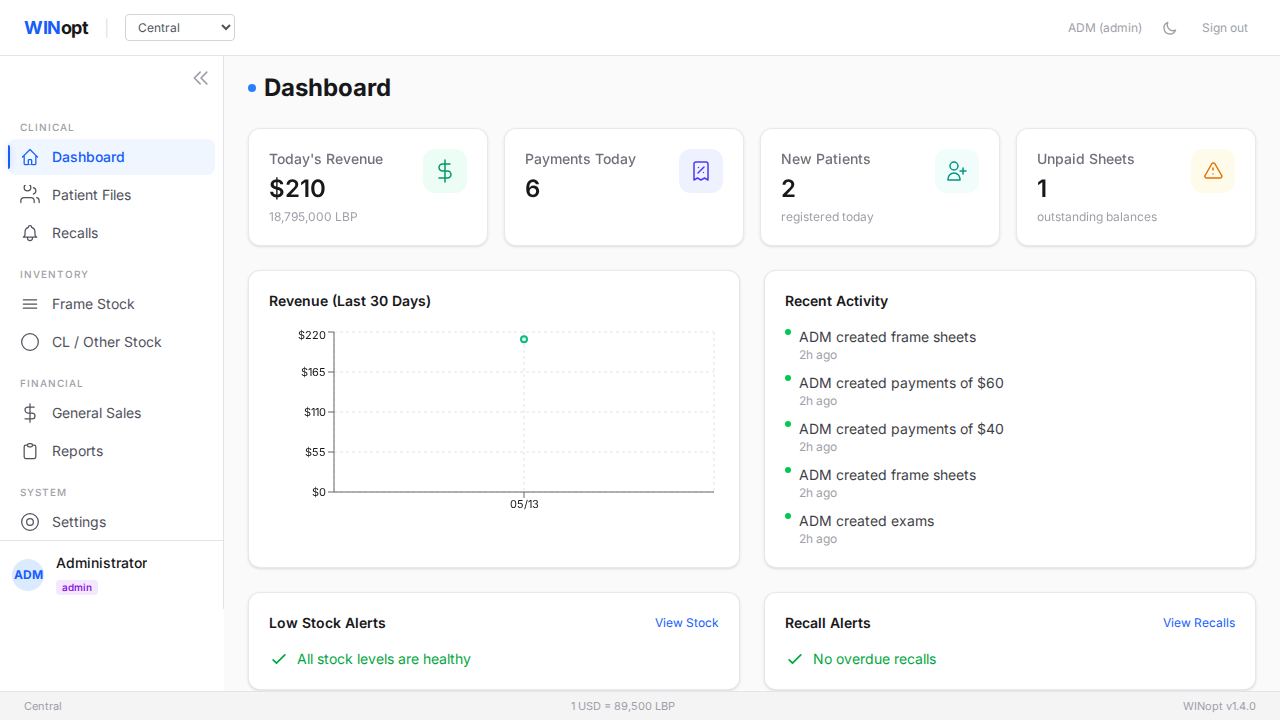
Payments workflow screenshot
Payment workflow landing screenshot.

Discounts

Discount logic broken

What was broken: discounts were not updating the client sheet or total correctly.

What is fixed now: discounts are applied consistently everywhere the sale total appears, and even a very large discount stops at a zero balance instead of becoming negative.

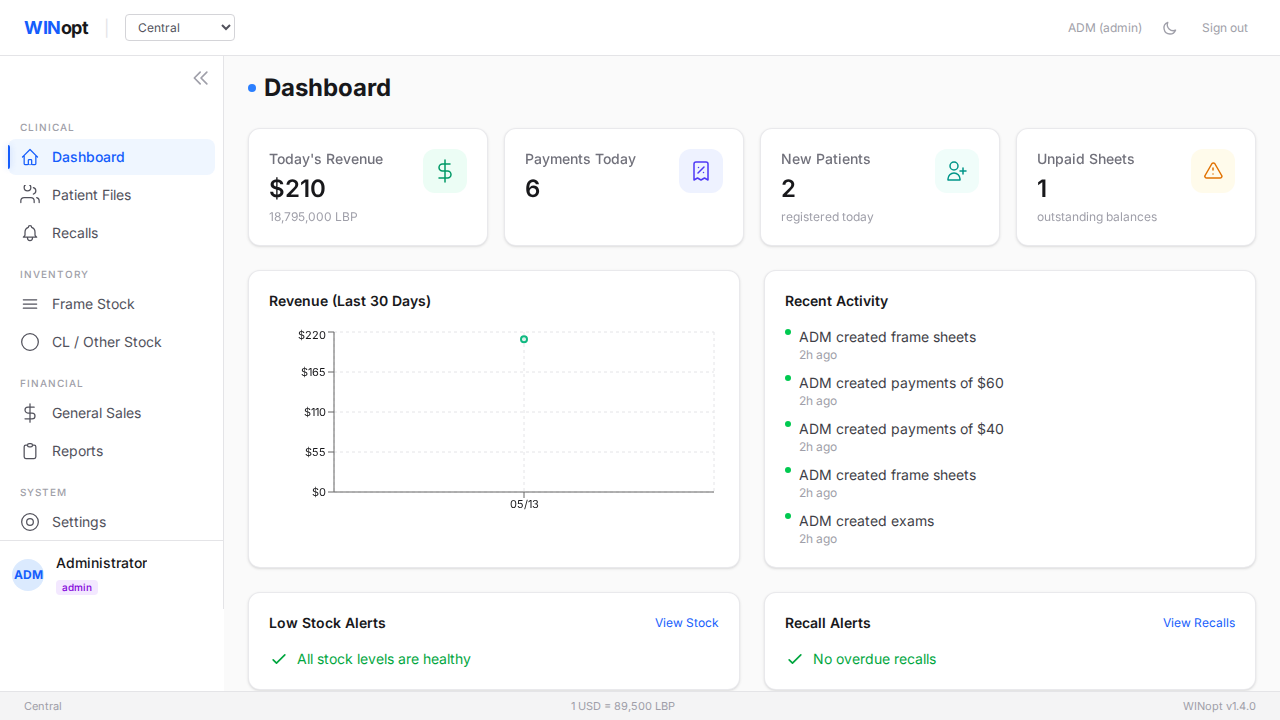
Discount workflow screenshot
Discount and total landing screenshot.

Exams

New exam form kept old data

What was broken: starting a new exam could keep details from the previous exam.

What is fixed now: each new exam opens cleanly for the current patient; only the expected PD value is carried forward from the latest exam.

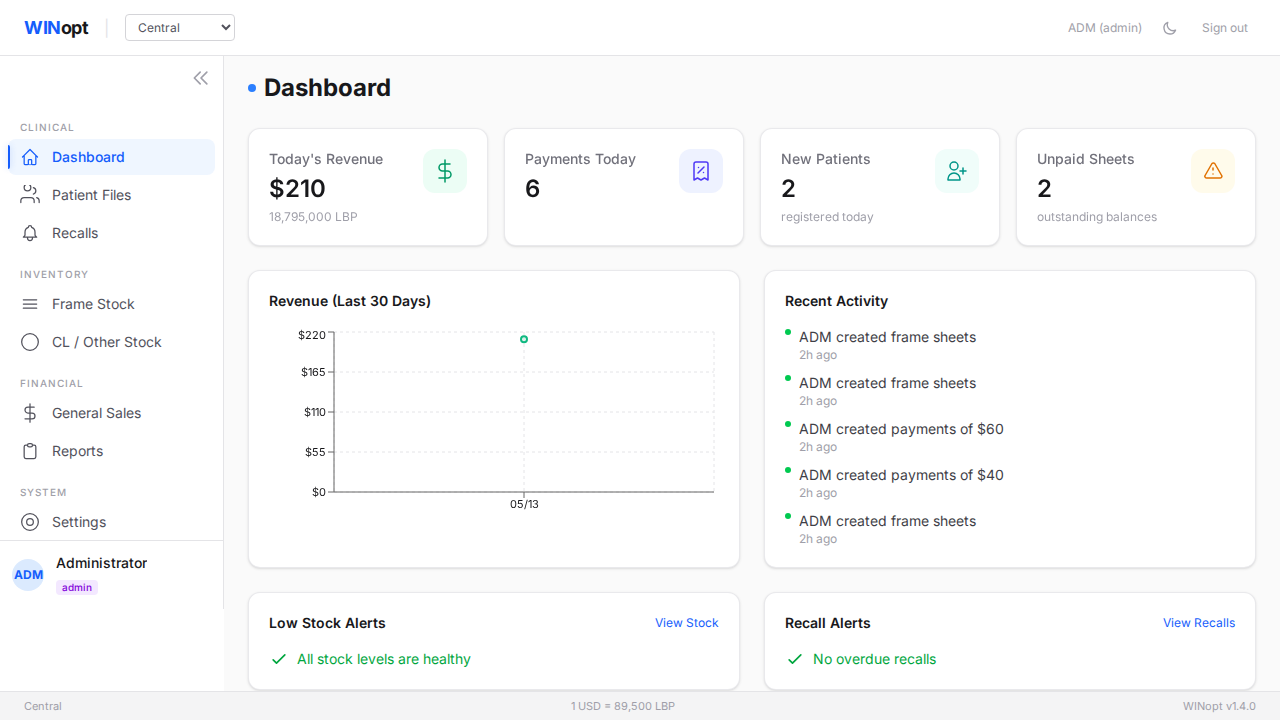
New exam reset screenshot
Fresh exam form landing screenshot.

Own Frame

Own Frame could not save

What was broken: choosing “Own Frame” could trigger errors and prevent saving.

What is fixed now: Own Frame saves cleanly, including the right and left lens choice, and unused frame fields are cleared when they are not needed.

Own Frame workflow screenshot
Own Frame landing screenshot.

Gifts

Gift report was empty

What was broken: the Gift Report did not show gifts even when gift sales existed.

What is fixed now: the report now brings in gifts from frame sales, contact lens sales, and general sales.

Gift report screenshot
Gift Report landing screenshot.

General Sales

Barcode scanning did not reduce the right stock

What was broken: scanning a General Sales barcode did not correctly reduce the sold item’s stock.

What is fixed now: General Sales scanning now works for other stock items, reduces only those items, and leaves frame inventory untouched.

General Sales barcode screenshot
General Sales barcode landing screenshot.

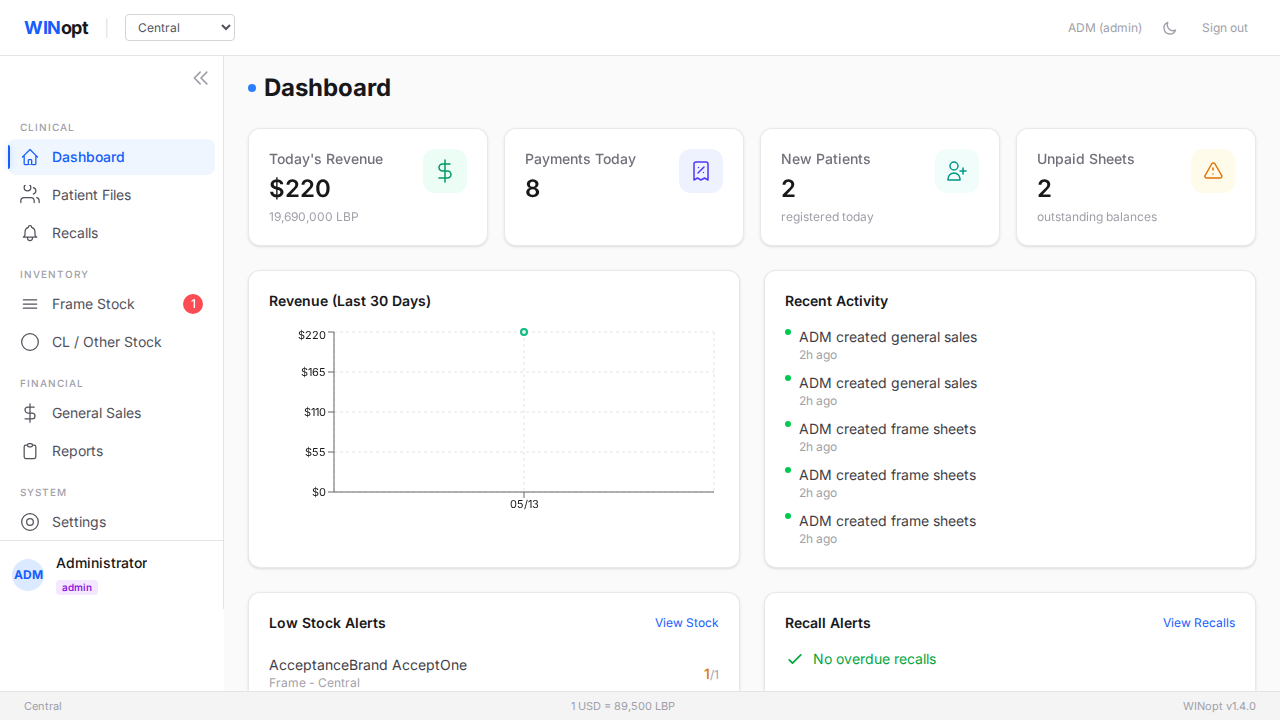
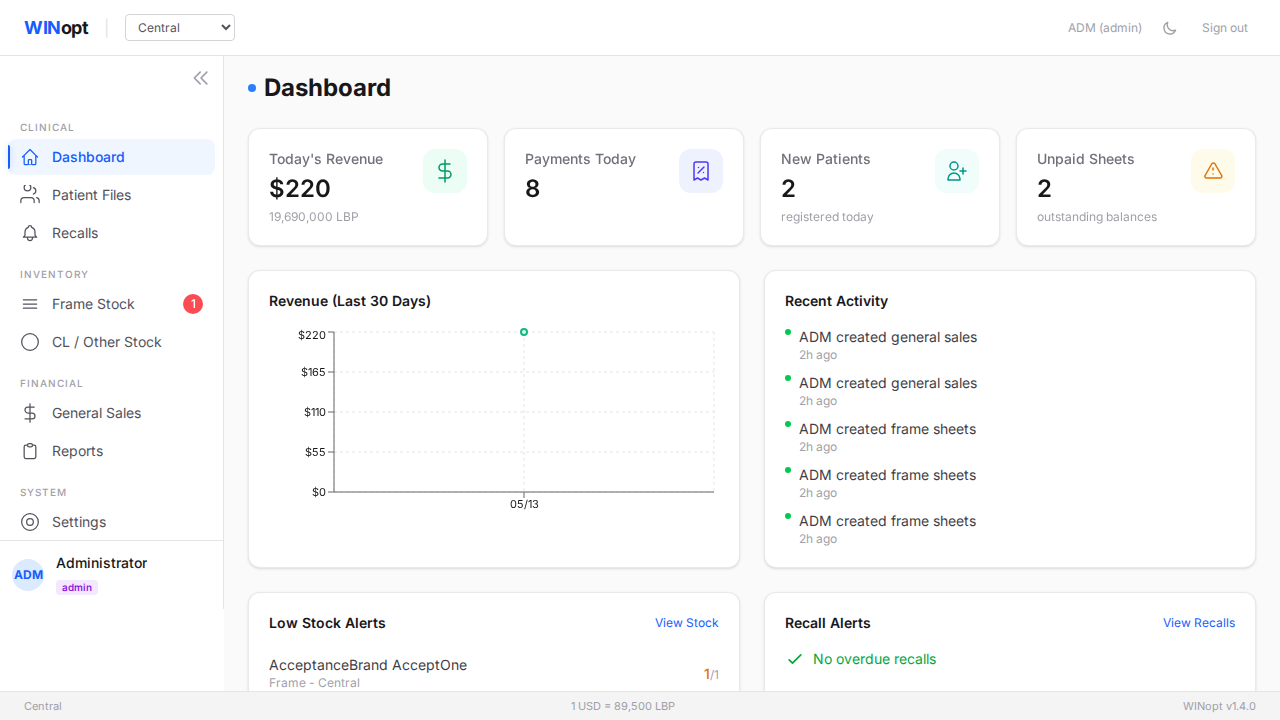
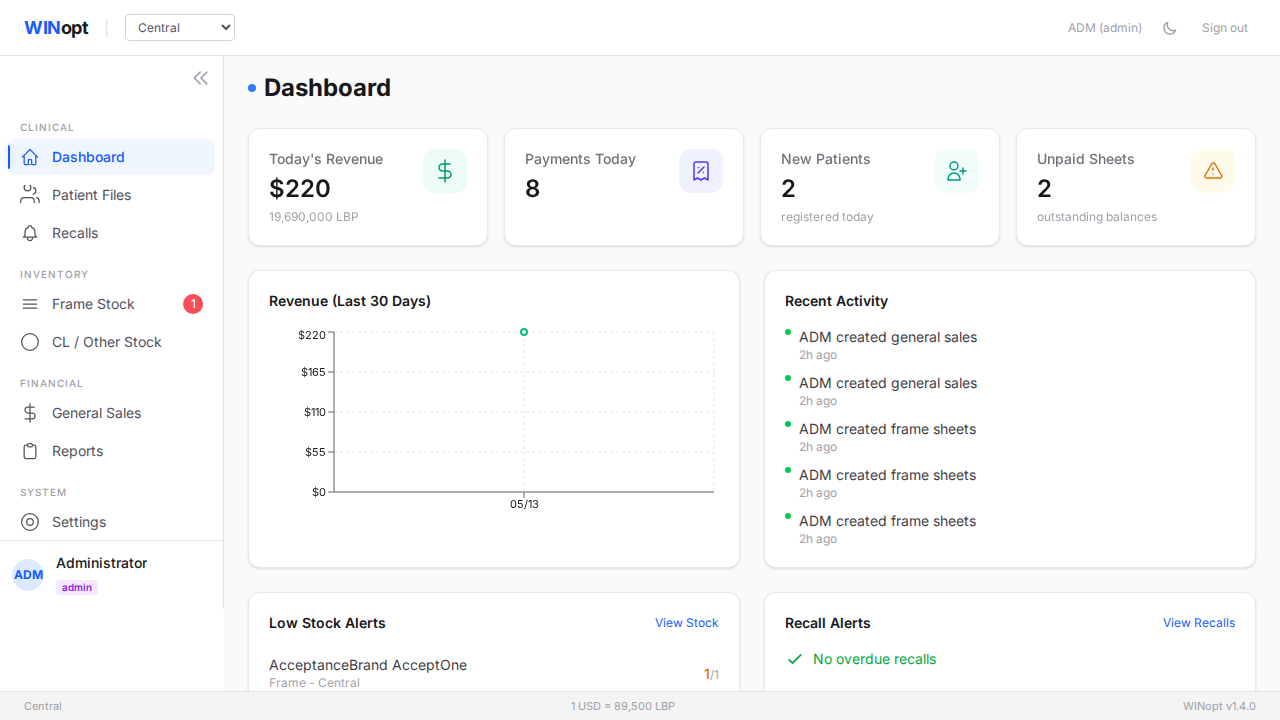
Section 2: UI & Formatting — All Done

  • PD meter is now an integer field with no up/down spinner arrows.
  • Lens powers now show a clear plus sign for positive numbers, and powers are shown with two decimals.
  • Frame stock transfer now has manual quantity entry alongside the plus and minus buttons.
  • Wide tables have their columns aligned again, with cleaner horizontal scrolling.
  • Gift Report now has a back button in the header.
PD meter and power notation screenshot
PD meter, power notation, stock transfer, and Gift Report visual check.
Aligned table columns screenshot
Aligned columns and horizontal scrolling visual check.

Section 3: Reporting & Printing — All Done

  • Patient file printing no longer includes the Rx block; it keeps the frame, lenses, lens type, and amount details.
  • Frame and lens price tags are available from the stock screens.
  • Stock Report now has an All vs Available toggle, so zero-stock items can be hidden.
  • Frame history shows lens price and discount.
  • Contact lens history shows item descriptions.
  • Print windows cannot be captured by the automated screenshot tool, so the printing items are verified from the print templates and should be checked once by hand.
Stock report All versus Available toggle screenshot
Stock Report All vs Available toggle visual check.

Section 4: New Features — All In

  • Recall scheduling now supports 3-month, 6-month, and 12-month choices.
  • Contact lens “Copy from Last” brings over the previous sale items.
  • Contact lens items now have an Available checkbox, with copied items starting as not yet available.
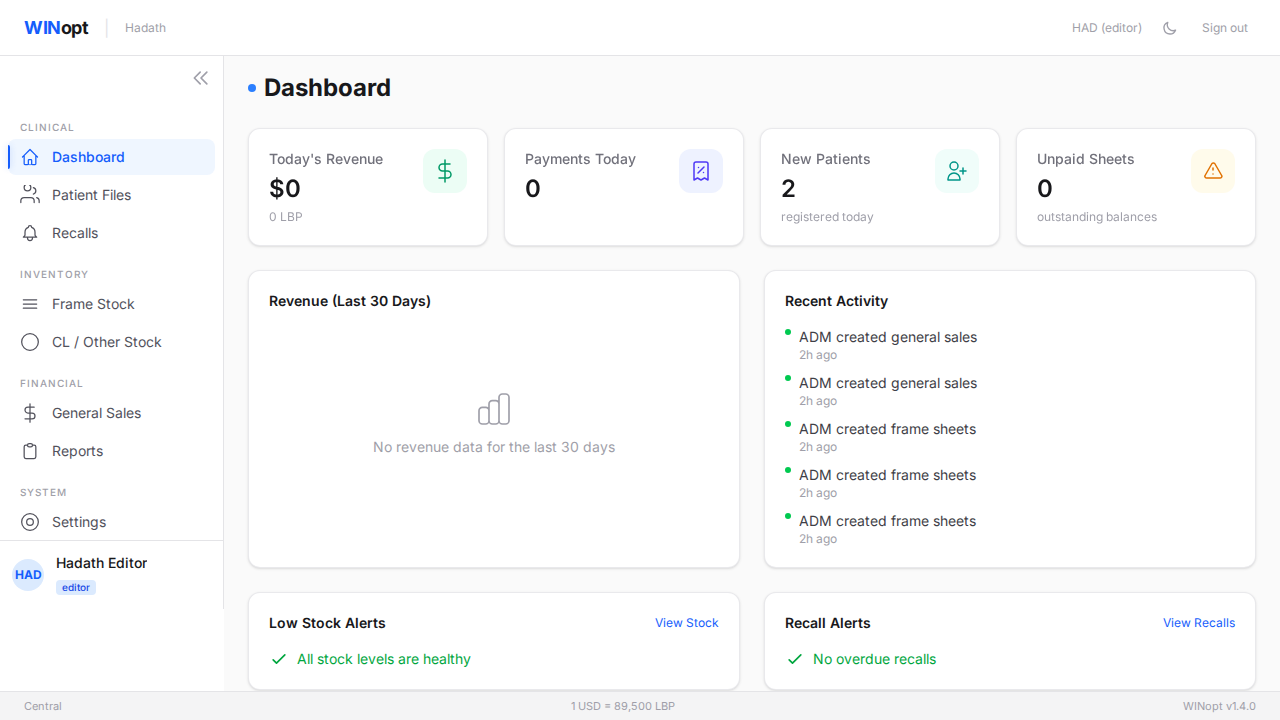
  • Location logins keep branch edits separate while still showing “N here · M elsewhere” stock visibility.
  • Users without frame access are blocked from frame-sheet actions.
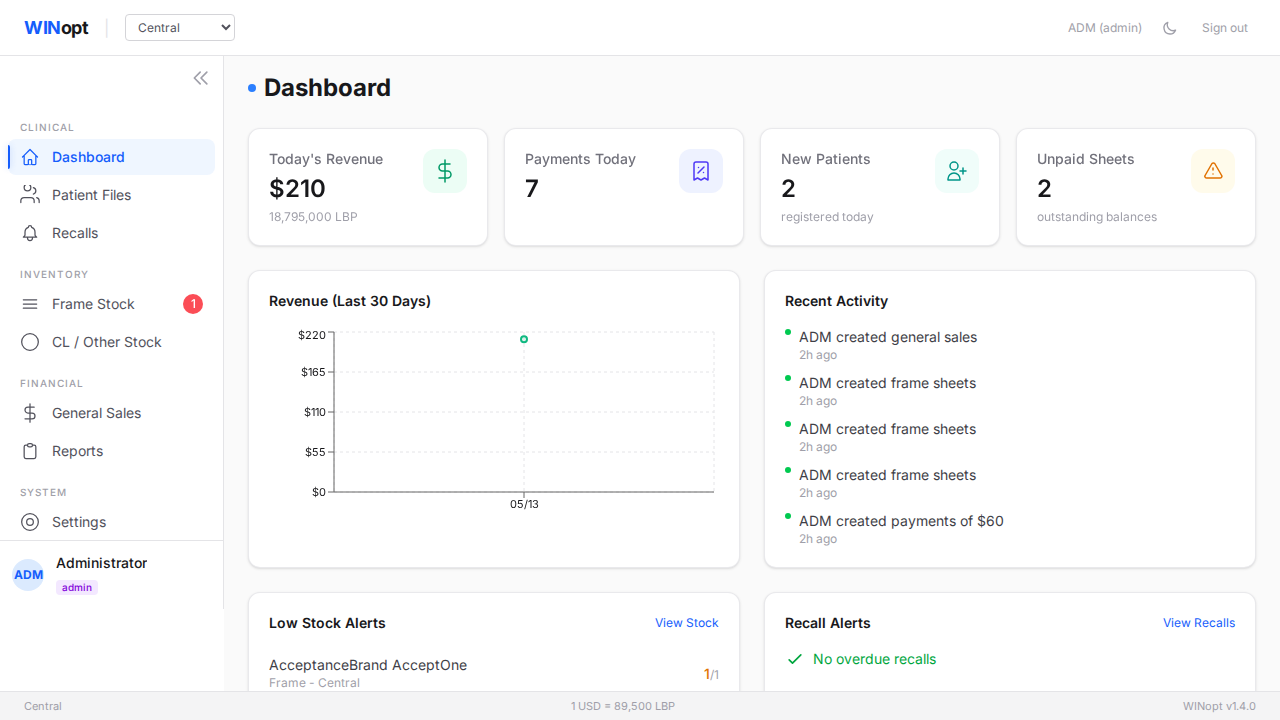
Location-specific stock visibility screenshot
Location-specific stock visibility visual check.
Frame access setting screenshot
Frame access setting visual check.
Recall interval dropdown screenshot
Recall dropdown visual check.

Three Things I Had To Guess On — Please Confirm

  1. Stock visibility across locations: “N here · M elsewhere” means staff see what is available in their branch and whether another branch has more. Please confirm this is the intended visibility.
  2. “Available” checkbox on contact lenses: I interpreted this as ordered → available state. Please confirm.
  3. General Sales scope: I interpreted General Sales as other stock only, with no frames. Please confirm.

What To Try In Your Hands-On Review

  1. Log in as a user who should not see stock, and confirm stock pages, reports, and dashboard stock areas stay blocked.
  2. Void a sale when two locations have the same barcode, and confirm the correct branch stock changes.
  3. Print a patient purchase file and check that the Rx block is gone, while frame, lenses, lens type, and amount details remain.
  4. Create a contact lens sale, use “Copy from Last,” and check that the copied items and Available checkbox state make sense.
  5. Scan a General Sales barcode from another location and check the sale behavior plus the “N here · M elsewhere” stock visibility.
  6. Open older recall records that had no 3/6/12-month choice, and confirm the recall screen still looks normal.

If Anything Is Off

Just describe what you tried and what you saw. No formal format needed; the exact screen, patient or item, and what felt wrong is enough for me to patch it quickly.

To Sign Off

Reply to this email saying “v1.4 approved”

Any wording is fine, as long as it is clear you are approving. That becomes the official acceptance and I’ll tag v1.4 as final.